
Searching Cases by Name
A name search is only a starting point. It does not prove that a result belongs to the person you have in mind. So narrow the match with the full caption, court level, approximate filing date, attorney, document type, or citation detail. One name can surface in many places. It may appear in a Superior civil case, a criminal action, a Probate file, a traffic citation, or a city record. The legacy Dawson route offered no public name field. It asked only for a user name, password, and CAPTCHA. Today Georgia E-Access sends Superior users to PeachCourt, where account registration is available. If no online field exists, ask the correct clerk whether a party-name search, public terminal, or written request is offered.
| Search input | Use | Limit |
|---|---|---|
| Full party name | Reduce a broad county name match | May return several courts or people with similar names |
| Action or case number | Best way to target one matter | Dawson's local format must be confirmed by the Clerk |
| Filing or citation date | Narrow the time range | Use an approximate date when exact date is unknown |
| Court and case type | Separate Superior, Magistrate, Probate, Juvenile, and city records | Not every court shares the same provider |
- Write the name exactly as it appears on the case paper.
- Add the court, date range, and case type before treating a match as relevant.
- Compare the caption, action number, filings, and setting details.
- Ask the holding clerk for confirmation when a result is incomplete or restricted.
A name result is not a certified record. The clerk who keeps the case file can explain what the public index contains and how to get an official copy.
Dawson County Search Inputs
Pick the right identifier before you search. A Superior Court case runs on an action or case number, while a traffic matter may carry a citation number. Land instruments use an instrument number. They sit in a separate land-record search. A criminal docket can list an OBTS number, but that code is not a public search key for a general docket lookup.
Not sure which office handles the record? The Dawson Courts page and the county court directory point you to the right clerk first. When you contact staff, give a date range and a record type. A bare request to "search this name" is hard to route. It can tangle unrelated court records together.
Keep those numbers straight. Citation, case, action, instrument, and OBTS codes can look alike. Yet they lead to different custodians with different access rules for each court record.
Need state-level data instead of a case lookup? The Georgia courts research office offers a data-request route that stays separate from any public docket search in Dawson County.
Research data and a case-specific docket answer different questions, so name the one you need.
Searching by Case Number
The case number is usually the cleanest search input. It points to a single action. Dawson's local prefix and result-column format stay behind the login-gated legacy portal and the account-based PeachCourt route. Never invent a year, court code, or offense prefix. Instead, use the case number exactly as printed on the notice, and ask the Clerk to validate the format before you submit a formal request.
Watch for mismatched numbering across courts. A traffic citation may carry a citation number rather than the Superior action number. A Probate or Municipal Court citation may use a separate local sequence. A land-record party form uses instrument and recording fields, not a court case number. Federal CM/ECF follows a different format entirely. It should not be copied into a state-court request.
A notice may list both a citation and a case number. Hand both to the named court. That extra identifier helps staff locate a transferred, amended, or later-filed entry.
Dawson County Case Numbers
Uniform Superior Court Rule 39 treats the action number as a key index field. It publishes no Dawson-specific example. The safest local practice is transcription, not prediction. Copy every letter, dash, and digit from the court paper. Give the clerk the court and the filing year. Ask for a check at the same time.
Other labels float around criminal and civil files. Criminal records may reference an accusation, indictment, count, citation number, or OBTS number. Civil records can carry a case style, party caption, action number, filing date, and advance cost. Magistrate filings may involve a claim, dispossessory, garnishment, or lien record. None of those labels replaces the official action number. The Uniform Superior Court Rules explain the public docket schema. The Clerk must confirm any local code a provider does not display.
What a Case Search Returns
A public case search can return an index line, caption, parties, filing date, court, judge assignment, docket entries, hearing settings, disposition, appeal reference, or document link. The provider may show less than that. It will not necessarily include a full motion, exhibit, transcript, treatment record, sealed page, or current financial ledger.
| Case identity | Caption, court, action number, case type, and related or companion case reference. |
|---|---|
| Event history | Dated filings, service, orders, motions, pleas, settings, continuances, and dispositions. |
| People and attorneys | Names and counsel shown in the public index, subject to redaction and restricted access. |
| Document link | Possible file-stamped copy or document type, depending on provider scope and access. |
| Appeal status | Notice of appeal, transcript, remittitur, or cross-reference when the docket records it. |
| Access status | Public, redacted, sealed, restricted, not yet scanned, or unavailable through that provider. |
Read the date together with the later entries. A hearing setting is not a ruling. A disposition can still be followed by an appeal. For any document behind an index line, the Dawson County court-records route explains how to request it.
Dawson County PeachCourt Search
Georgia Courts E-Access lists Dawson Superior as a PeachCourt provider. PeachCourt advertises civil and criminal e-filing. Both attorneys and non-attorneys can create a free account. Expect the registration screen to ask for identity, contact, password, secret-question, CAPTCHA, and terms fields. An account alone promises nothing here. Not every Dawson case or document will show in the public result view. The provider registration page is useful for understanding the login gate.
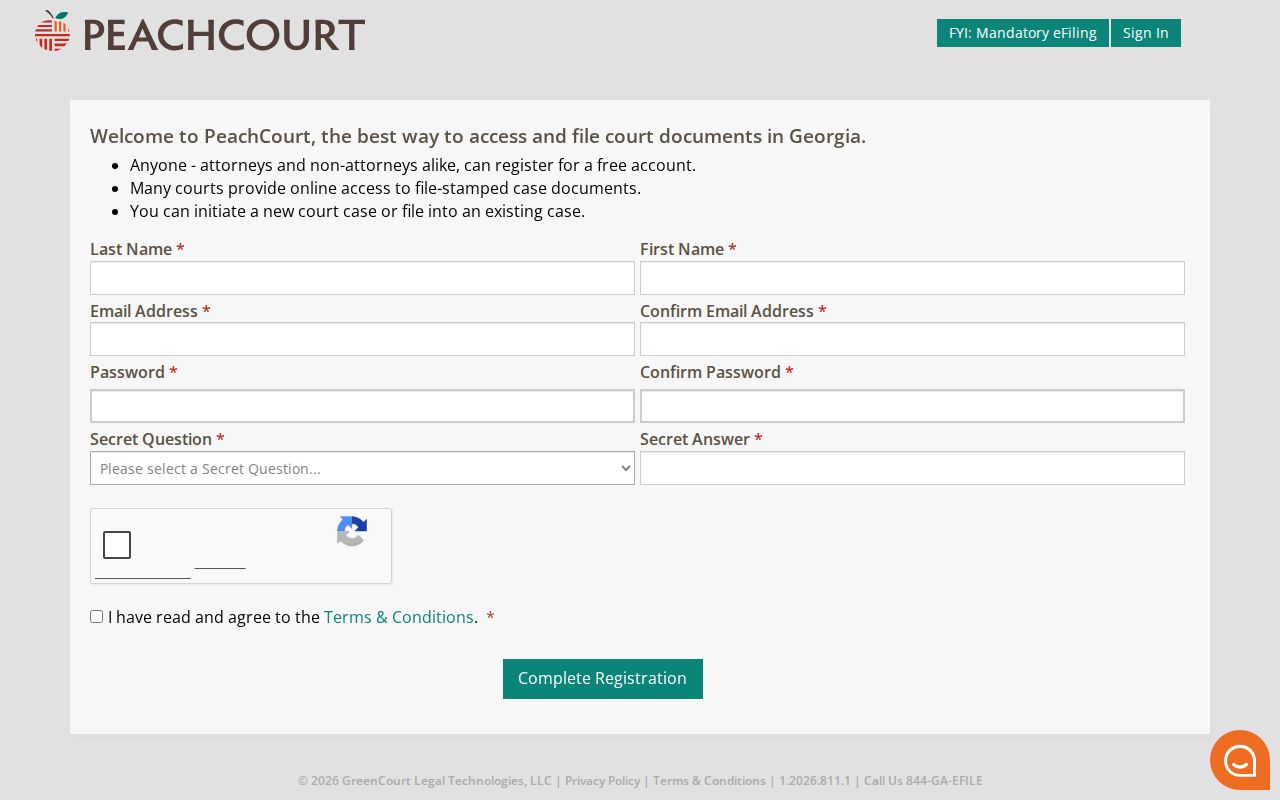
Registering only creates a provider account. For anything official in Dawson County, the named clerk is still the place to confirm or certify a record. Keep that split in mind before you trust a search result.
The PeachCourt registration page notes that many courts supply file-stamped documents. You may not get every document in every case. Before paying or planning around a result, ask the office about copy cost, certification, sealed pages, and older paper records. Those may sit outside the scan.
Statewide vs County Case Search
Georgia keeps a statewide court-information layer. That is not the same thing as one free Dawson County name database. Georgia Courts E-Access lists the approved providers. It points Dawson Superior users to PeachCourt, while the county's own pages identify the local offices that hold the records.
Probate and Municipal Court access often starts with their clerks. Magistrate civil filings run through a separate PeachCourt workflow. Juvenile information is restricted, and JDEX is not a public name search.
| Route | Best use | Limit |
|---|---|---|
| Georgia Courts E-Access | Find the provider for Dawson Superior | Directory and account gate, not one statewide result table |
| PeachCourt | Provider access and e-filing for listed courts | Scope, authentication, document access, and charges vary |
| Dawson Clerk | Superior and Juvenile records, copies, and routing | Juvenile and restricted records have limits |
| Probate or Municipal clerk | Traffic, license, estate, or city-ordinance matters | No separate public search table was located for Dawsonville Municipal Court |
Georgia's court research and data directory shows the state layer that ties E-Access, e-file, JDEX, and the court directories together.
Treat the statewide map as a way to find the right local channel. No rule says every court offers the same public screen.
Dawson County Provider Gaps
A provider can come back empty for several reasons. The case may fall outside that provider's court scope. The record may never have been scanned, or the page may demand a login. The matter could also be sealed, juvenile, or held by a different office entirely. The old Dawson case portal showed nothing but login fields and a CAPTCHA. It offered no public name, number, date, result, pagination, export, or document controls.
Call the office before treating a blank screen as the final word. The Superior and Juvenile directory lists staff contacts. The county staff directory beats an unverified legacy search link when time matters. Ask whether a public terminal, counter inspection, emailed copy, certified copy, or written Open Records request is available. Each channel can carry its own fees and its own record scope.
Dawson County Search Offices
"Clerk" is not one office for every record. Justin Power's office keeps the Superior and Juvenile records. Jenny Cramblett is Chief Clerk for Magistrate Court. Probate staff handle estate, guardianship, license, and assigned traffic records. For the city, the Dawsonville City Clerk is the public-record contact. The court named on your paper should drive the first call.
The county court directory lays out that office map before you start a search.
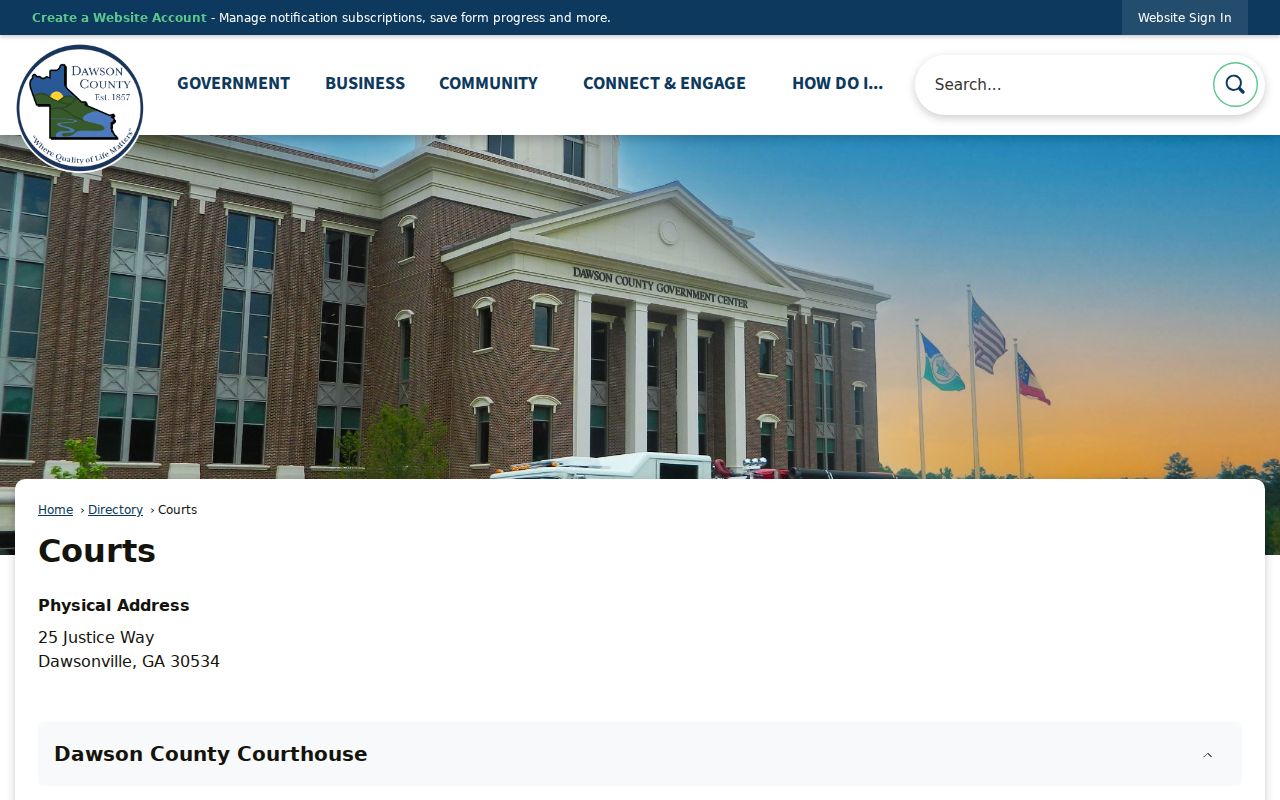
Sending the request to the right office often beats repeating a broad party-name search. Each Dawson County court has its own contact.
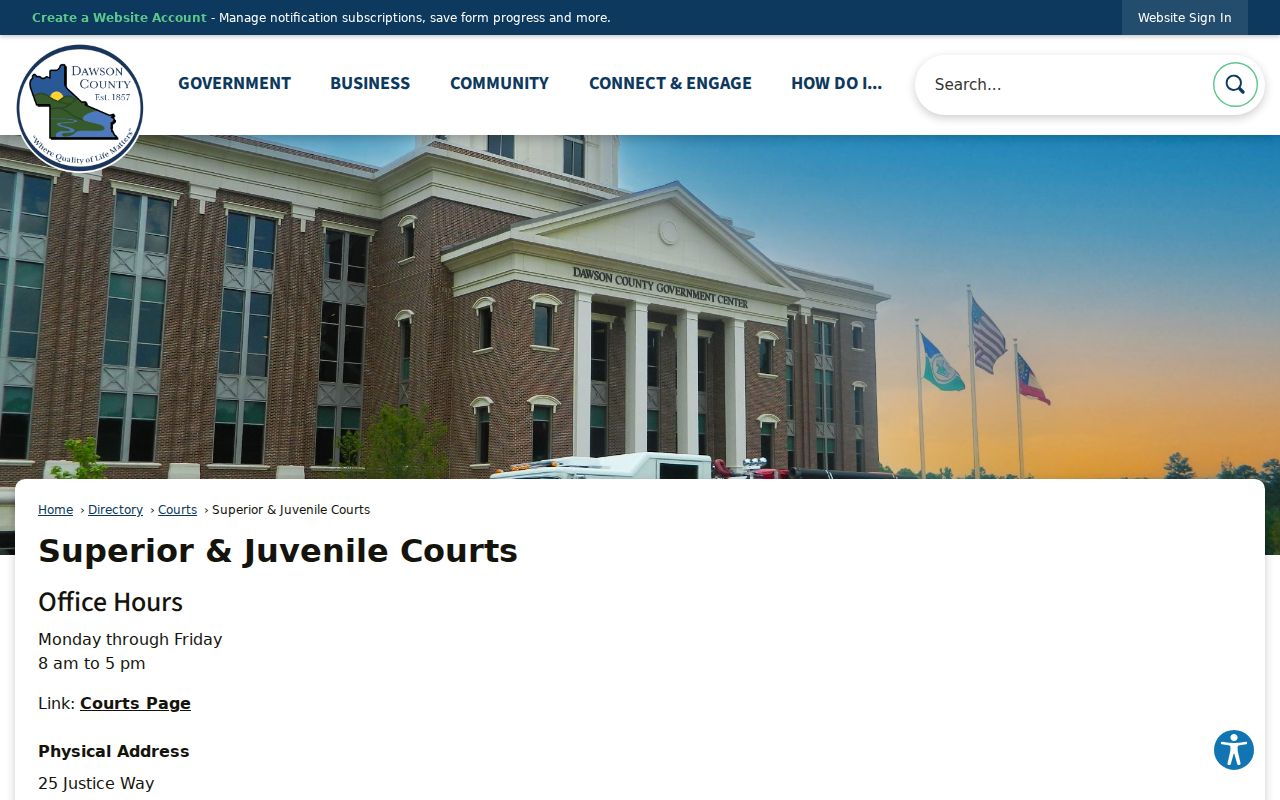
Superior requests go to 25 Justice Way, Suite 1302, Dawsonville, GA 30534, at 706-344-3510. Magistrate sits in Suite 3201, reachable at 706-344-3730. Probate is in Suite 4332 at 706-344-3580. Dawsonville Municipal Court starts at City Hall, 415 Hwy 53 East, Suite 100, 706-265-3256. Confirm current hours before you drive out.
The Superior and Juvenile staff page shows the current local contact structure rather than a generic state route.
Name the court division and record type in your request. That lets staff route the search without guesswork.
Access and Restricted Cases
Some records never follow ordinary public-search rules. Juvenile files, adoption records, sealed Superior pages, protected identifiers, and treatment records all sit outside the normal docket search. JDEX is an authorized-attorney portal with its own confidentiality notice. A public docket may show a limited entry while withholding the document beneath it. Georgia's record-restriction instructions draw a line between restricting an arrest record and deleting every court docket entry.
Ask the clerk directly whether a record is public, redacted, sealed by order, confidential by statute, or held elsewhere. If access is denied, request the specific legal basis. Ask whether a redacted docket or an inspection option exists. Staff cannot disclose hidden contents, so do not ask. The Georgia JDEX information and the Uniform Superior Court Rules explain why access varies by record type.
Dawson County Juvenile Search
Juvenile Court covers delinquency, deprivation, unruly or CHINS-type matters, and certain under-17 traffic cases. The Clerk's office is the local contact for these files. Do not assume a Superior provider will surface a juvenile record. A casual name search will not either. Georgia's JDEX system is limited to authorized users and carries a confidentiality notice.
A request from someone legally entitled should state the requester's relationship or authorization. It should also state the exact case or record sought. A blanket public-record request for a child's file can be denied or redirected. These rules hold even when a related adult case sits open in another court.
Keep juvenile and adult action numbers separate. A name match in a Superior criminal or traffic result proves nothing about a juvenile record.
Dawson County Land Search
The old Clerk site offers a party-name land-record form. It includes similar-name options. Deed, lien, plat, and miscellaneous instrument categories are there too, along with grantor and grantee choices, date ranges, and instrument type. None of that makes it a Dawson County case search. A land instrument number is not a court action number. It should never be typed into one.
The two worlds do touch. Land-title litigation can appear on a Superior docket. A lis pendens can link the court action to property notice. Still, the court record and the land instrument stay separate records with separate indexes. Ask the Clerk which one you actually need before requesting a copy. This mix-up is a common reason a name search seems to work while the expected civil docket never appears.
Dawson County Federal Search
Federal cases from Dawson County do not run through the state system. They sit in the Northern District of Georgia, Gainesville Division. The federal CM/ECF platform holds them. So skip Georgia Courts E-Access and PeachCourt for these. PACER is the official route, and searches plus document pulls are billed under the current federal fee schedule. The Gainesville Division page confirms the venue, and PACER handles the lookup. Searching by case number keeps charges down.
One caution: federal dockets use a different case-number pattern than Georgia state courts. Copying that pattern onto a Dawson County state-court request will stall it. Jurisdiction also controls where an appeal lands. A federal appeal goes to the Eleventh Circuit. A Georgia state appeal belongs with the Court of Appeals of Georgia or the Supreme Court of Georgia. Match the court first, then run the docket search.